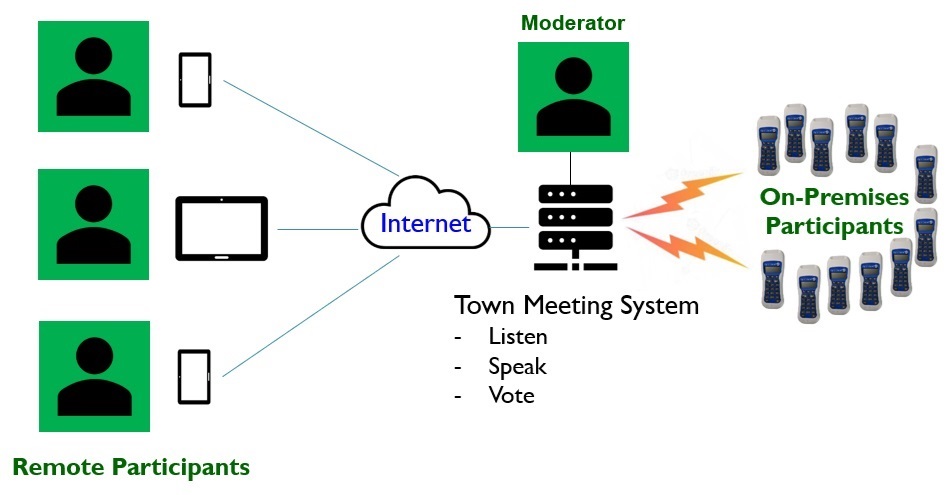
A straightforward web application that remote participants can use without training: one button for each Town Meeting action
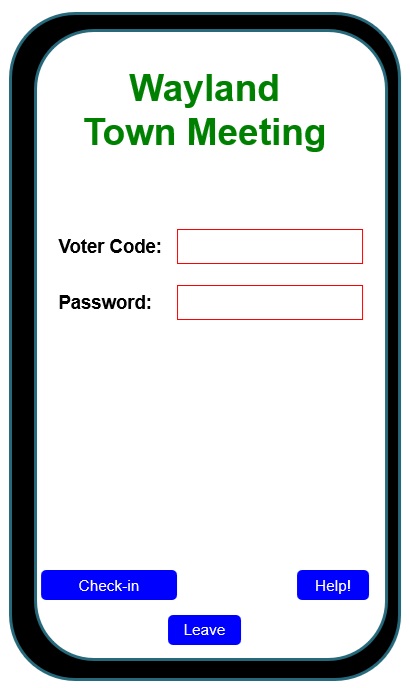
- use a SmartPhone or Tablet to log into the Town Meeting System using credentials issued beforehand by the Town Clerk's office
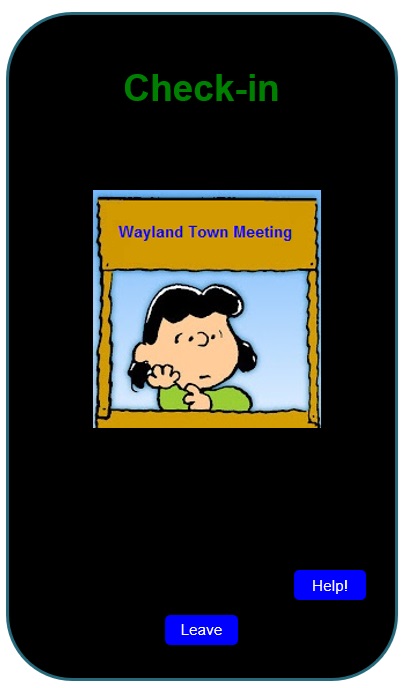
- be remotely "checked in" by a member of the Town Clerk's Staff using via a Zoom-like audio-video connection
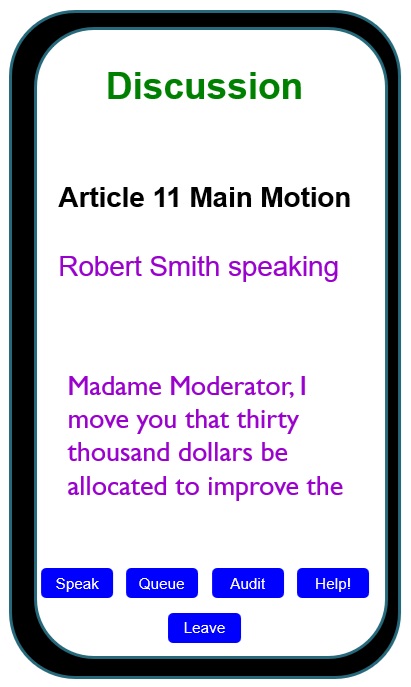
- listen to whoever is currently speaking, and see that speech transcribed in real time
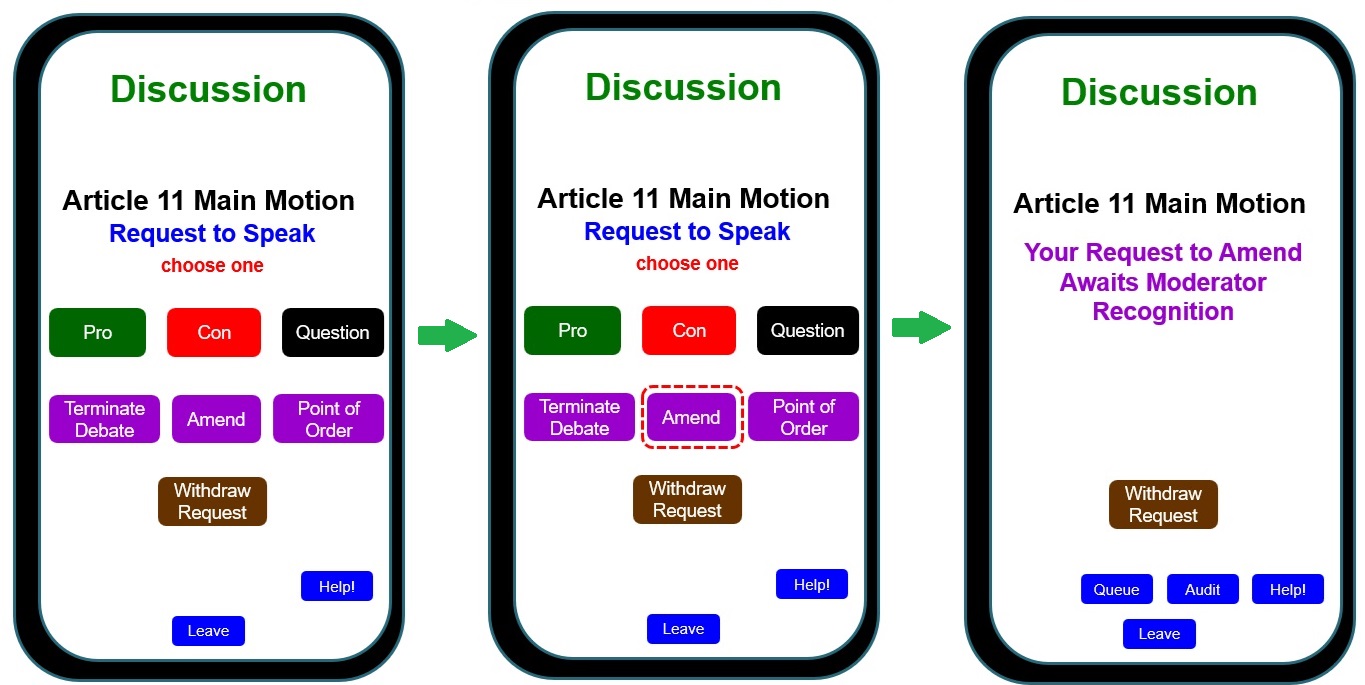
- request to speak
- in support of or in opposition to the current motion
- to ask a question, or to raise a point of order
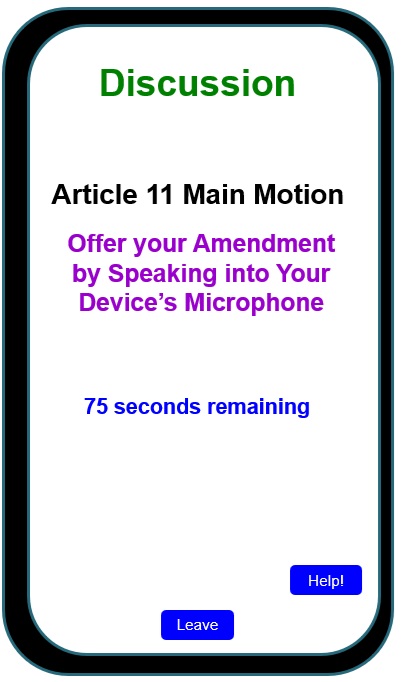
- to offer an amendment, or to call for debate to be terminated
- speak to Town Meeting after being recognized by the Moderator
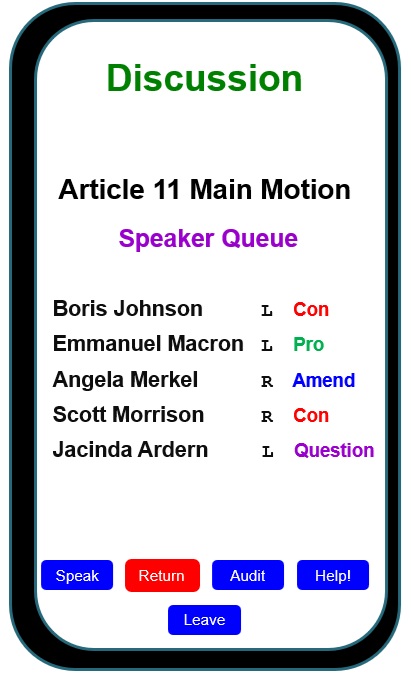
- review a queue of all local on-premises (L) and remote (R) particiants who have requested to speak, and their stated purpose for speaking
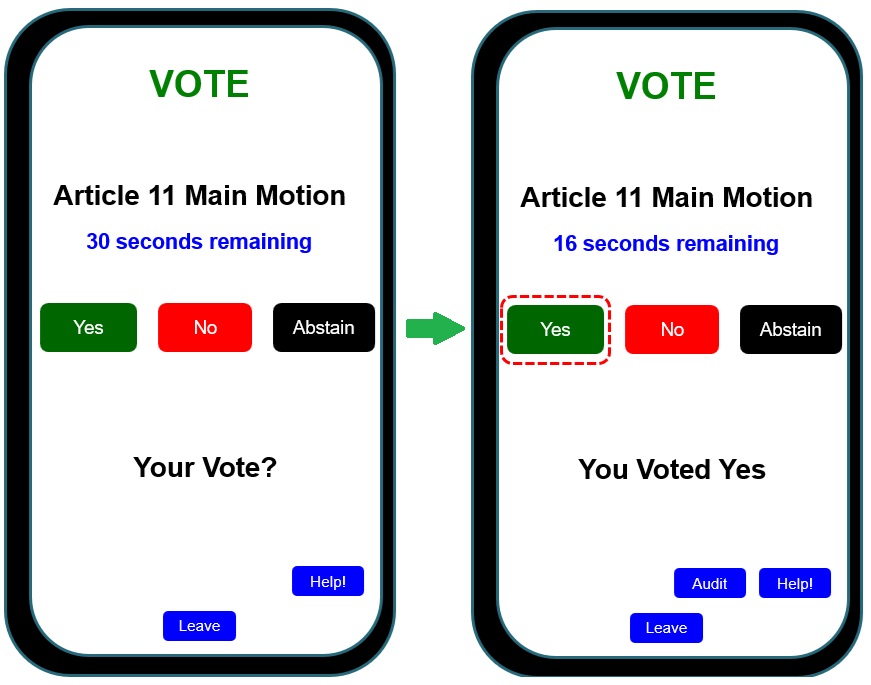
- vote
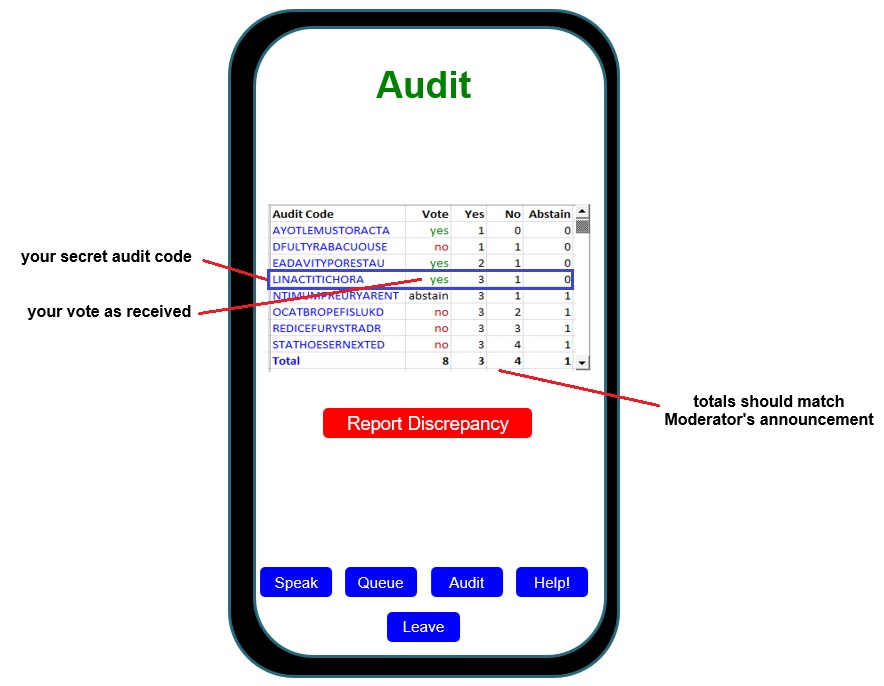
- immediately audit your vote, and - if appropriate - report a discrepancy before the Moderator declares that vote to be final
- this video explains and illustrates the above approach in more detail
Remote participants can fully engage in Open Town Meetings!
Home